
Complex web forms often have hundreds of questions with conditional logic — different fields appear based on previous answers, selected states, insurance types, or provider specialties. Branching logic allows workflows to handle all of these paths.

Building branches

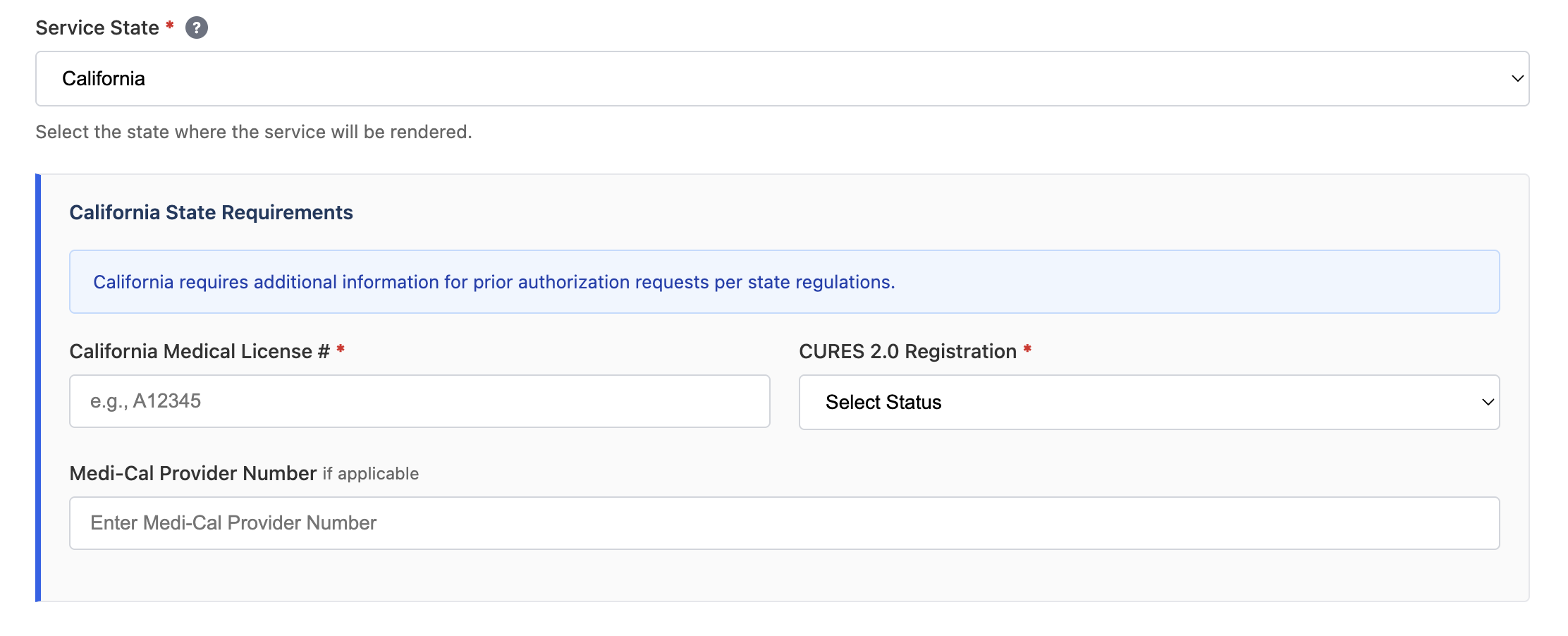
As you build in the editor, Simplex infers and builds branches in the production flow.py file from your conversation. For example, a state dropdown on a healthcare form may have additional questions depending on the state selected. State dropdown Given the following test data:
data/variables.json
With the following prompt:
The agent generates the following branch in the production file:
workspace/flow.py

Using configs

Use variables to build configurations that modify workflow behavior. This lets you maintain a single workflow while changing end states or actions based on config flags.
data/variables.json
The production flow can then branch based on these configs:
workspace/flow.py

Runtime branch detection

When a production workflow encounters a form path it hasn’t seen before, Simplex can detect new questions and branches at runtime. You can configure workflows to pause when this happens, allowing you to update the workflow in the editor to handle the new branch, or use the AskUserQuestion tool to get input from a human operator.